
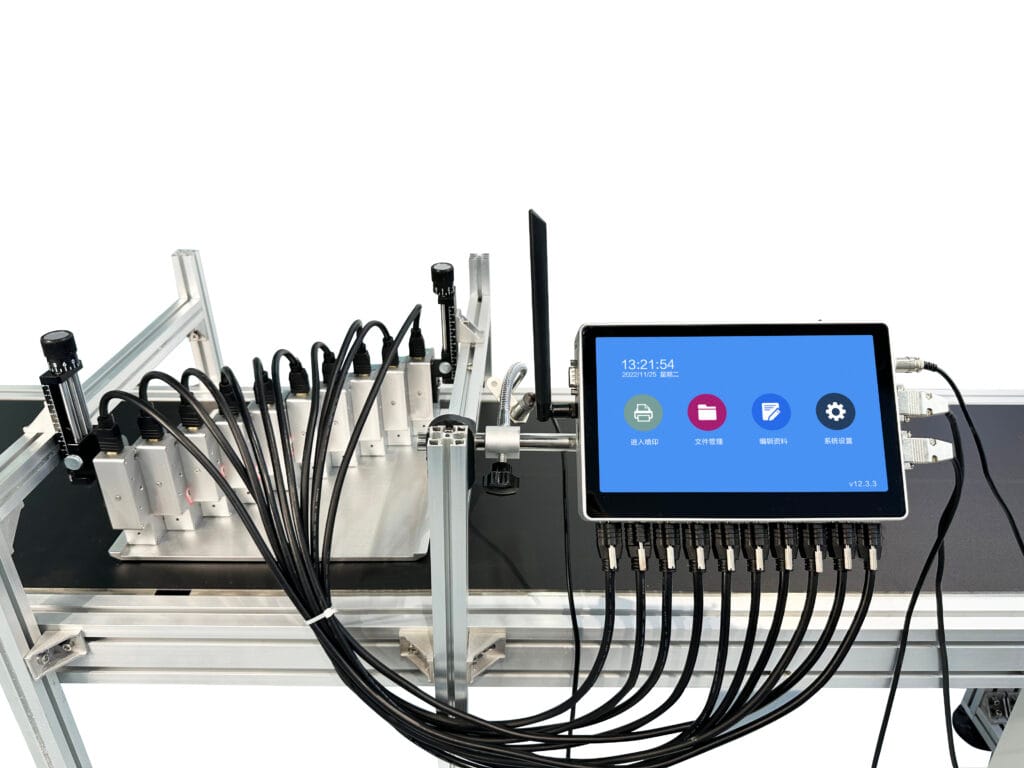
What Makes a Cartridge-Free Printer Different?
The whole concept behind a cartridge-free printer is pretty straightforward, actually. Instead of relying on those small plastic cartridges that run out faster than anyone would like, these machines use refillable ink tanks or bottles. The ink reservoir is much larger—sometimes holding enough to print thousands of pages before needing a refill.
This design shift happened because, well, people got tired of constantly replacing expensive cartridges. And honestly, who could blame them? The cost per page with traditional cartridges can be surprisingly high when you add it all up over time.
Now here’s where things get interesting for photo enthusiasts. Many folks assume that a cartridge-free printer is only good for documents and basic printing tasks. That assumption isn’t entirely accurate, though the truth is a bit nuanced.
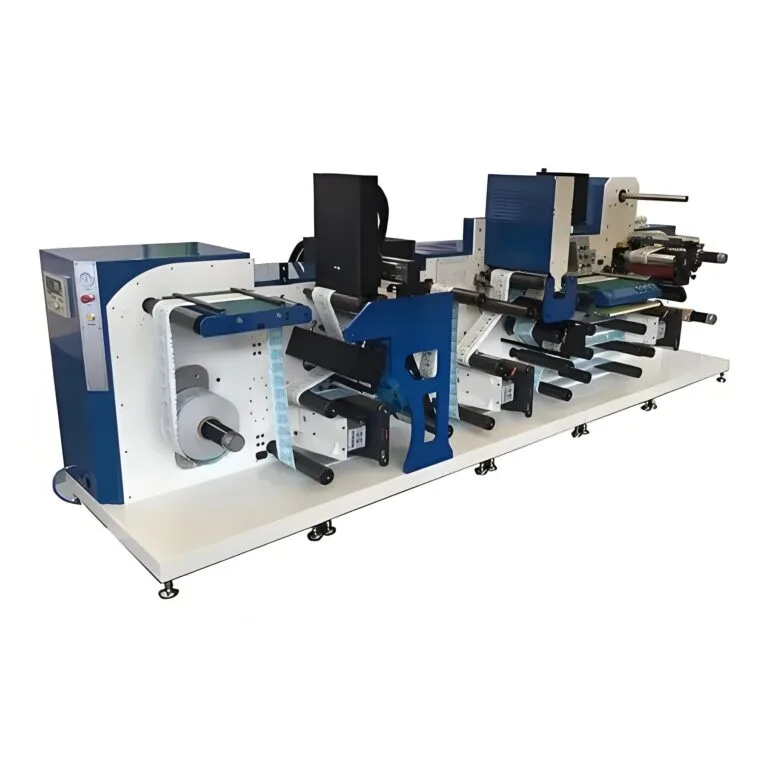
Can a Cartridge-Free Printer Handle Photo Printing?
Short answer: yes, absolutely. But there are some things worth knowing before expecting professional gallery-quality results from every model out there.
Modern tank-based printers have come a long way. Several manufacturers now offer models specifically designed with photo printing in mind. These typically include:
- Additional color channels (some have 5 or 6 ink colors)
- Higher resolution print heads
- Specialized photo black ink alongside matte black
- Support for various paper types and weights
The quality difference between entry-level and photo-focused models can be significant. A basic cartridge-free printer might produce decent vacation snapshots, while higher-end versions can create prints that genuinely impress.
Understanding Ink Types and Photo Quality
Not all inks work the same way for photos. Dye-based inks tend to produce more vibrant colors and smoother gradients—qualities that matter quite a bit for photographs. Pigment inks, on the other hand, offer better longevity and water resistance but sometimes appear slightly less vivid.
Most cartridge-free printer models aimed at home users employ dye-based inks. This works fine for casual photo printing, though professionals might have specific preferences depending on their needs. For those requiring specialized applications like printing on rigid materials or unusual surfaces, exploring options like a UV-Tintenstrahldrucker could open up entirely new possibilities.
Photo Quality Comparison: Cartridge-Free Printer vs Traditional Models
Here’s a practical breakdown that might help clarify expectations:
| Merkmal | Cartridge-Free Printer | Traditional Cartridge Printer |
|---|---|---|
| Cost per photo | Generally lower | Often higher due to cartridge prices |
| Color vibrancy | Good to excellent (varies by model) | Good to excellent |
| Print longevity | Depends on ink type | Depends on ink type |
| Initial purchase price | Usually higher | Typically lower upfront |
| Convenience | Less frequent refills needed | More frequent cartridge swaps |
| Photo paper compatibility | Wide range supported | Wide range supported |
The table shows that neither option is definitively superior across all categories. It really comes down to priorities and how much printing someone actually does.
Tips for Getting Better Photos from a Cartridge-Free Printer
Achieving nice photo prints involves more than just hitting the print button. Several factors influence the final result, and paying attention to them makes a noticeable difference.
Choosing the Right Paper
Paper selection matters enormously—probably more than most people realize. Using regular copy paper for photos produces disappointing results regardless of printer type. For a cartridge-free printer to show what it can really do, proper photo paper is essential.
Options include:
- Glossy photo paper (classic shiny finish)
- Semi-gloss or luster paper (reduces fingerprints and glare)
- Matte photo paper (no shine, more artistic feel)
- Canvas and specialty papers (for creative projects)
Optimal Print Settings
Following these steps typically improves output quality:
- Select the correct paper type in printer settings
- Choose highest quality or photo mode
- Enable color management if available
- Allow adequate drying time between prints
- Store prints away from direct sunlight
Skipping these adjustments often leads to underwhelming results that don’t reflect what the printer can actually achieve.
Limitations Worth Considering
Being realistic about expectations helps avoid disappointment. A cartridge-free printer designed primarily for document printing won’t suddenly transform into a professional photo lab machine. The technology has limits.
Some potential drawbacks include:
- Longer print times at highest quality settings
- Possible color accuracy variations over time
- Ink drying concerns if printer sits unused for extended periods
- Not all models handle thick photo paper equally well
These aren’t deal-breakers for most users, just things to keep in mind when deciding whether this type of printer fits specific needs.

Final Thoughts on Photo Printing Capabilities
So can a cartridge-free printer handle photos? The evidence suggests it can—and often quite well. Technology improvements have made these machines increasingly capable for various printing tasks, photos included.
The key lies in choosing an appropriate model, using proper supplies, and maintaining realistic expectations. For casual photographers, families wanting to print memories, or anyone tired of cartridge costs, this option deserves serious consideration. The results might be surprisingly satisfying.
Frequently Asked Questions
Does a cartridge-free printer produce professional-quality photos?
Higher-end models can certainly produce impressive results suitable for framing or gifting. Professional photographers with extremely demanding standards might prefer specialized photo printers, but for most purposes, quality is genuinely quite good.
How long do photos from a cartridge-free printer last?
Longevity depends heavily on ink formulation and storage conditions. Many manufacturers claim prints can last decades when kept away from direct sunlight and humidity. Using quality photo paper also extends lifespan considerably.
Is a cartridge-free printer more economical for photo printing?
Generally speaking, yes. The lower cost per page becomes especially apparent when printing photos regularly. Someone printing dozens of photos monthly would likely see meaningful savings compared to traditional cartridge-based alternatives.