
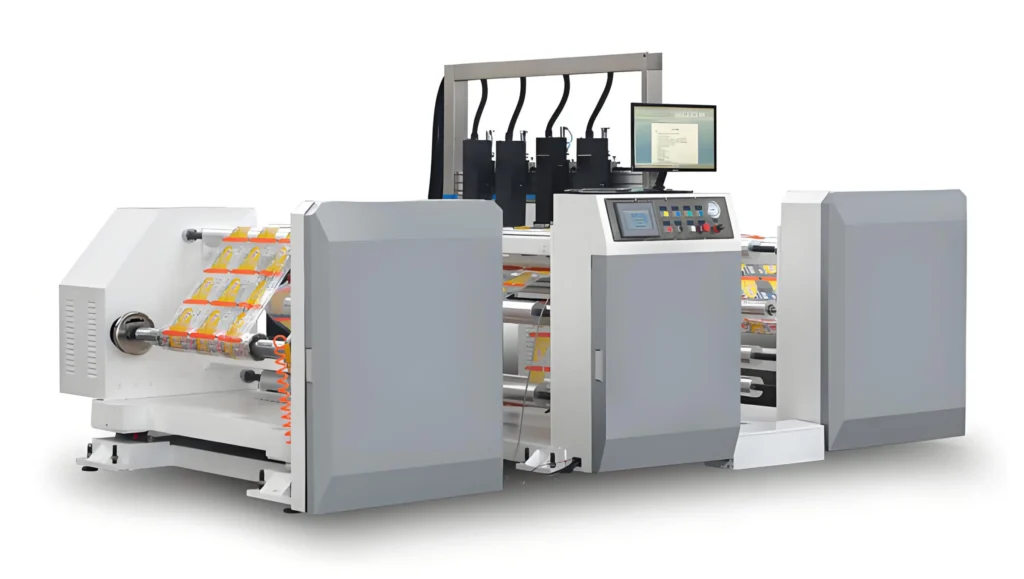
Printable vinyl stickers can be used with most home printers. They also work with many craft cutters. Many people use inkjet printers for making stickers. They pick inkjet sticker paper for inkjet printers. They use laser sticker paper for laser printers. Almost any normal printer can print on vinyl sticker paper.
Most home printers can use vinyl sticker sheets.
Inkjet printers are the most common choice.
People match sticker paper to their printer type.
Printable Vinyl Stickers: Printer Compatibility
Inkjet vs. Laser Printers
Many people want to know which printer is best for making printable vinyl stickers at home. Most home printers can print on vinyl sticker sheets. Inkjet printers usually make stickers look brighter and sharper. They use liquid ink, so colors stand out and details are clear. This is why people like inkjet printers for colorful and professional stickers.

Laser printers use toner powder and print faster than inkjet printers. They are good for simple designs or words. Sometimes, laser printers do not show colors as well or make fine details. Most companies say inkjet printers work better for printable vinyl stickers. Inkjet printers can print on thick materials and show colors more accurately. If you want to print photos or detailed art, inkjet printers are better.
Here is a table that shows how inkjet and laser printers compare:
| Merkmal | Inkjet Printers | Laser Printers |
|---|---|---|
| Color Vibrancy | Makes bright and rich colors | Colors may not be as strong |
| Detail Quality | Shows small details well | Not as good for tiny details |
| Dauerhaftigkeit | Prints can smear if not sealed | Prints last longer |
| Geschwindigkeit | Prints slower than laser | Prints very fast |
| Cost of Ink | Ink costs more | Costs less per page |
| Auflösung | Starts at 1200 dpi, can go higher | Usually 600 or 1200 dpi |
Most printable vinyl stickers are made for inkjet printers. Inkjet printers are best for bright colors and sharp details. Laser printers are fast and make strong prints, but colors may not be as deep.
Some special printers, like thermal inkjet or UV piezo printers, are used in businesses. These printers can print lots of stickers and use special inks. Most people do not need these for home use. Home inkjet or laser printers work well for printable vinyl stickers.
Common Issues
Sometimes, printing on vinyl sticker sheets causes problems. Ink can smear if you use the wrong settings or ink. Inkjet prints can smudge if you touch them too soon. Let stickers dry for a few hours before you touch them. Dye-based ink works better because it sticks to vinyl.
Paper jams happen when the vinyl sheets are too thick. Printers can jam if you put in too many sheets. To stop jams, put in one sheet at a time. Ink can also smudge if you print on the wrong side of the sticker paper. Check the printable side before you load the paper.
Here are some tips to help you avoid problems:
Pick the right printable vinyl stickers for your printer.
Set your printer to the correct paper type and quality.
Put in one vinyl sheet at a time.
Let prints dry for a few hours before touching.
Use dye-based ink for better color and sticking.
Some printers have special features, like high resolution or the ability to print on thick paper. These features help make stickers look sharp and last longer. Some printers can even cut stickers for you, so you get ready-to-use stickers at home.
Printable vinyl stickers work with many printers. Inkjet printers usually make the best stickers for color and detail. If you pick the right printer and follow these tips, you can make great stickers at home.
Cutter Compatibility
Manual vs. Electronic Cutters
People use manual or electronic cutters for vinyl stickers. Manual cutters include scissors and craft knives. These tools are good for simple shapes. You control the cutting by hand. Cutting hard designs takes more time and effort. It is easy to make mistakes with manual tools. Small or tricky stickers are harder to cut by hand.
Electronic cutters make cutting much easier. These machines use software to move the blade. They cut shapes with great accuracy. You can get sharp corners and smooth edges. Even tiny or complex designs look neat. Electronic cutters work with vinyl, paper, fabric, and foam. They save time and help you waste less material. Many people think these machines are easy to use. The software and instructions are simple to follow.
Tip: Electronic cutters help beginners and experts make stickers easily.
Cutting Limitations
All cutters have some limits. Vinyl cutters work best with thin materials. They cannot cut thick things like wood or metal. If the blade is dull or broken, cuts are not as good. The size of the cutter limits how wide stickers can be. Check your machine’s details before starting big projects.
Vinyl cutters work best for thin materials.
They do not cut heavy-duty materials.
Blade problems can make cuts worse.
Sticker size depends on the machine’s width.
Printing and Cutting Tips
Step-by-Step Process
Making printable vinyl stickers is simple if you follow steps. First, choose the right vinyl sticker paper for your printer. Then, set your printer for the paper type and pick high-quality settings. Make sure to print on the correct side of the vinyl sheet. After printing, let the stickers dry for at least ten minutes. Next, cut out your stickers. You can use scissors, craft knives, or a cutting machine. Doing a test cut helps you avoid mistakes with new materials.
Fehlersuche
Sometimes, problems happen when printing or cutting. Ink can smear if you touch stickers before they dry. Always wait for the ink to dry. If colors look strange, try calibrating your monitor and use CMYK color profiles. Paper jams can happen if sticker sheets are kept in damp places. Keep your materials dry and clean to stop jams. Cutting mistakes often happen with dull blades or bad lighting. Use sharp tools and check your machine to make cutting easier.
Tip: Always check how thick your material is and do a test cut before starting a big project.
Best Results
People often laminate stickers to help them last longer. Lamination keeps water, fading, and scratches away. The table below shows how lamination and the environment change sticker quality:
| Merkmal | Laminated Stickers | Non-Laminated Stickers | Best Conditions |
|---|---|---|---|
| Dauerhaftigkeit | Hoch | Niedrig | 50°F-90°F, 40%-60% RH |
| Weather Resistance | Ja | Nein | |
| Color Vibrancy | Enhanced | Less vibrant | |
| Application | Long-term use | Short-term use |
Pick the right laminate and let the ink dry before sealing. This helps your printable vinyl stickers look good and last longer.
Printable vinyl stickers can be used with lots of printers and cutters. People should think about their budget before buying equipment. Print resolution is important for clear stickers. Material compatibility matters for good results. Standard white matte vinyl works well for most projects. Weatherproof polyester vinyl is good for outdoor stickers. You need vinyl sticker paper, laminate, and a cutting machine.
| Material Typ | Key Features | Kosten-Wirksamkeit |
|---|---|---|
| Standard White Matte | Bright white surface, holds ink well, works with inkjet/laser | Hoch |
| White Gloss | Makes photos look great, colors are bright, good for decoration | Mäßig |
| Weatherproof Polyester | Resists water, oil, and chemicals, best for outside use | Hoch |
| Vinyl | Very strong, sticks to many surfaces | Hoch |
| Recycled White Matte | Good for the environment, keeps print quality | Hoch |
| Removable White Matte | Easy to move, does not turn yellow, for inside use | Mäßig |
| Brown Kraft | Looks natural, gives special effects | Mäßig |
Try making your own stickers at home. Pick the right materials and tools to get the best results.