
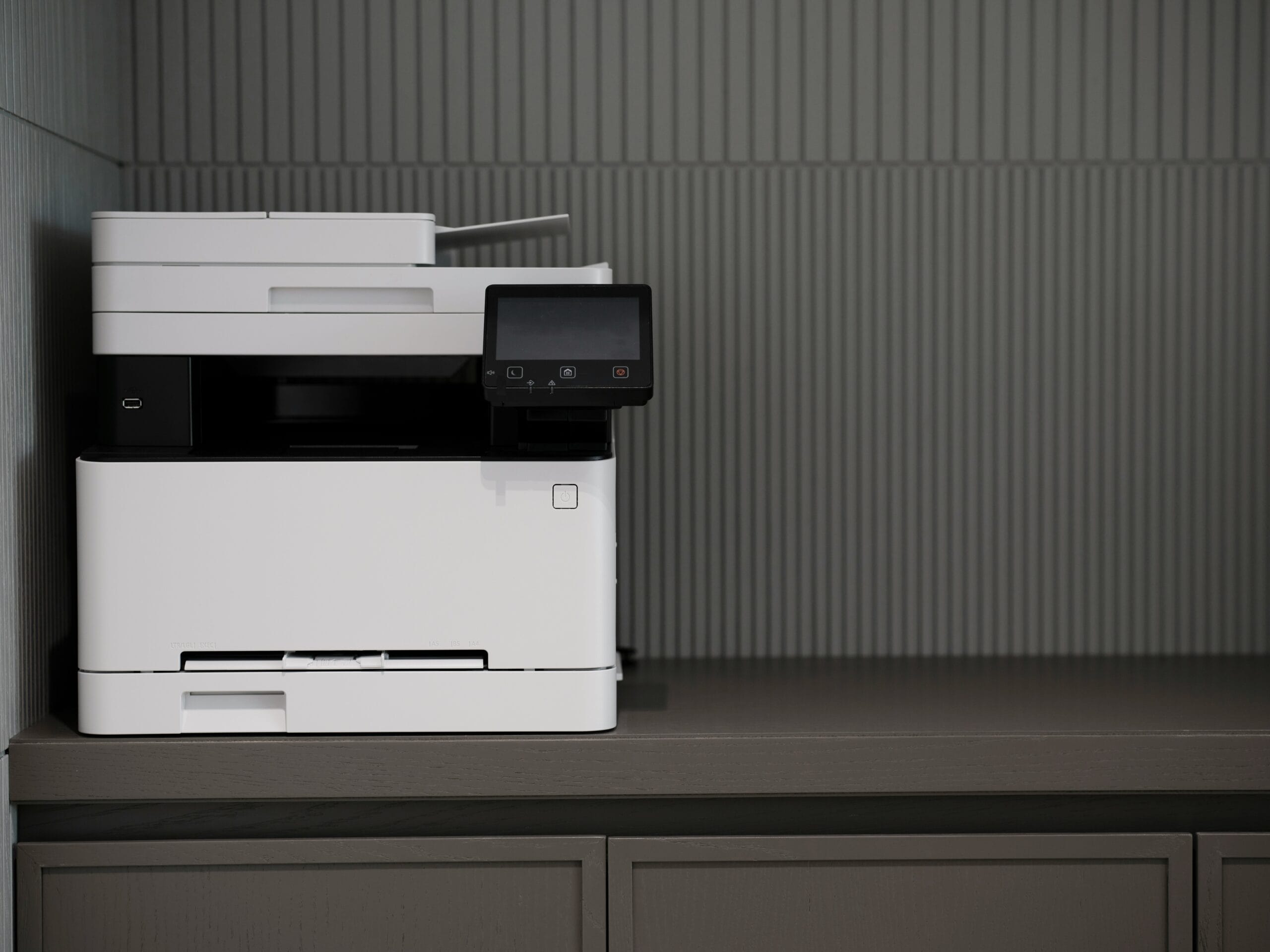
Short answer: absolutely. UV printers are fundamentally CMYK-based machines, so printing a CMYK image is essentially what they’re built to do. The technology uses cyan, magenta, yellow, and black inks—cured instantly by ultraviolet light—to reproduce full-color graphics on an astonishing variety of materials. If anything, UV printers handle CMYK files more directly than many other printing methods.
But the relationship between file format and final output involves some nuances worth exploring.
How UV Printers Process a CMYK Image
The basic mechanics align closely with how traditional inkjet printing works, just with a crucial difference in the curing process. UV printers receive the CMYK image data, translate it into precise ink droplet placement, and deposit those inks onto the substrate. Milliseconds later, UV lamps or LEDs blast the wet ink with ultraviolet light, hardening it almost instantaneously.
This immediate curing changes everything about what’s possible. No waiting for ink to dry. No absorption into porous materials. No smearing or bleeding. The CMYK image essentially freezes in place the moment it hits the surface.
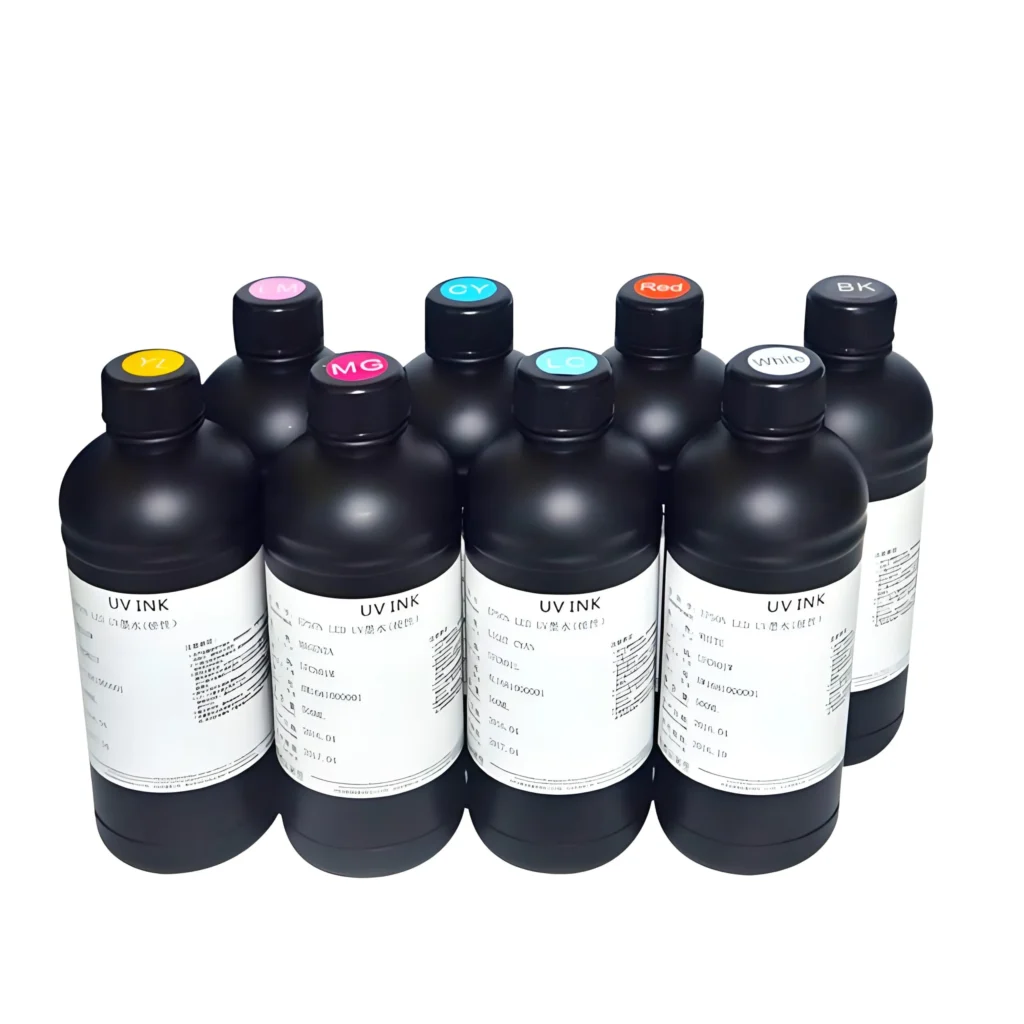
The Ink System Explained
Most UV printers use expanded ink sets that go beyond basic CMYK. Common configurations include:
• Standard CMYK (four colors)
• CMYK plus light cyan and light magenta (six colors)
• CMYK with white and varnish options (six to eight colors)
• Extended gamut with orange and green additions
Even with these additions, the CMYK image file remains the foundation. The printer’s software interprets standard four-color data and utilizes additional inks to enhance output—smoother gradients, better skin tones, that sort of improvement. The extra colors supplement rather than replace the fundamental CMYK framework.
Why UV Printers Excel at Color Reproduction
Something about UV printing tends to produce colors that pop more than conventional methods. Part of this comes down to how the ink sits on surfaces. Because UV-cured inks don’t absorb into materials the way traditional inks do, colors maintain their intended vibrancy rather than dulling as they soak in. For applications requiring exceptional Vollfarbe digital output, UV technology delivers results that consistently impress.
| Characteristic | UV-Druck | Traditional Inkjet |
|---|---|---|
| CMYK image support | Native, direct | Native, direct |
| Ink curing | Instant UV light | Evaporation/absorption |
| Color vibrancy | High, consistent | Variable by substrate |
| Material range | Extremely wide | Limited |
| White ink option | Standard feature | Rare |
| Outdoor durability | Ausgezeichnet | Often poor |
The white ink capability deserves particular attention. Printing a CMYK image on dark or transparent materials normally fails because there’s no white background to reflect color back to the eye. UV printers solve this by laying down white ink first, then printing CMYK on top. The result looks like printing on white paper, even when the actual substrate is black acrylic or clear glass.
File Preparation for UV Printers
Getting optimal results from UV printers requires some attention to file setup, though nothing dramatically different from preparing files for other professional printing methods.
A reasonable preparation workflow:
1. Design in your preferred software, RGB or CMYK
2. Convert to CMYK using appropriate color profile
3. Set resolution to printer specifications (typically 300-600 DPI)
4. Flatten complex files to reduce processing errors
5. Add bleed if printing to material edges
6. Export in accepted format (TIFF, PDF, or printer-specific)
The printer’s RIP software (Raster Image Processor) handles the final interpretation, converting the CMYK image into actual print instructions. Quality RIP software can also color-manage on the fly, applying profiles specific to particular inks and substrates.
Common File Format Considerations
Most UV printers accept standard graphic formats without complaint. TIFF files work reliably. PDFs print well when properly constructed. Even high-resolution JPEGs can produce acceptable results, though some quality loss from compression is unavoidable.
Transparency and layers sometimes cause issues if not properly flattened. Vector elements generally print crisply, while raster images depend entirely on their resolution. Mixing both in a single file works fine—the RIP handles conversion appropriately.
Material Versatility and Color Challenges
Beyond basic CMYK conversion, professional print work involves additional technical details. Color profiles matter—different presses, papers, and printing methods require different conversion settings. A CMYK image prepared for glossy magazine printing needs different values than one destined for uncoated newsprint.
Things that affect final print appearance:
• Paper type and coating
• Ink density and coverage
• Printing method (offset, digital, flexographic)
• Environmental conditions during printing
• Drying and finishing processes
Professional printers typically provide specifications, often including ICC profiles, that ensure proper conversion for their particular equipment. Following these guidelines produces much better results than generic conversion.
Final Observations
Working with UV printing technology reveals certain practical realities. The machines handle CMYK image files beautifully—that part works exactly as expected. Where attention matters more involves understanding how ink behaves on specific materials, how white ink affects layering, and how curing settings impact final appearance.
Color calibration proves particularly important. Unlike paper-based printing where variables stay relatively consistent, UV printing spans such diverse substrates that maintaining color accuracy requires ongoing attention. What prints perfectly on white acrylic may need adjustment for brushed aluminum.
The technology continues advancing, naturally. Newer UV printers offer finer droplet sizes, faster curing, broader color gamuts. But the fundamental CMYK architecture remains constant. A properly prepared CMYK image will print successfully on any well-maintained UV system—the question is simply how stunning the results will look on whatever material receives them.
FAQ
Do UV printers require special CMYK profiles?
Not necessarily special, but appropriate profiles matter. Most UV printer manufacturers provide ICC profiles optimized for their equipment and recommended substrates. Using generic CMYK profiles can produce acceptable results, though colors may shift somewhat from expectations.
Can RGB files be sent directly to UV printers?
Technically yes—the RIP software converts RGB to CMYK automatically. However, this automatic conversion may not produce ideal color results. Converting to a CMYK image yourself allows control over how that translation happens, particularly for colors near the edges of the printable gamut.
What resolution works best for UV printing?
Generally 300 DPI at final print size produces excellent results for most applications. Large format pieces viewed from distance can use lower resolutions. Some fine detail work benefits from 600 DPI. Always check with specific equipment guidelines, as capabilities vary between printer models.