
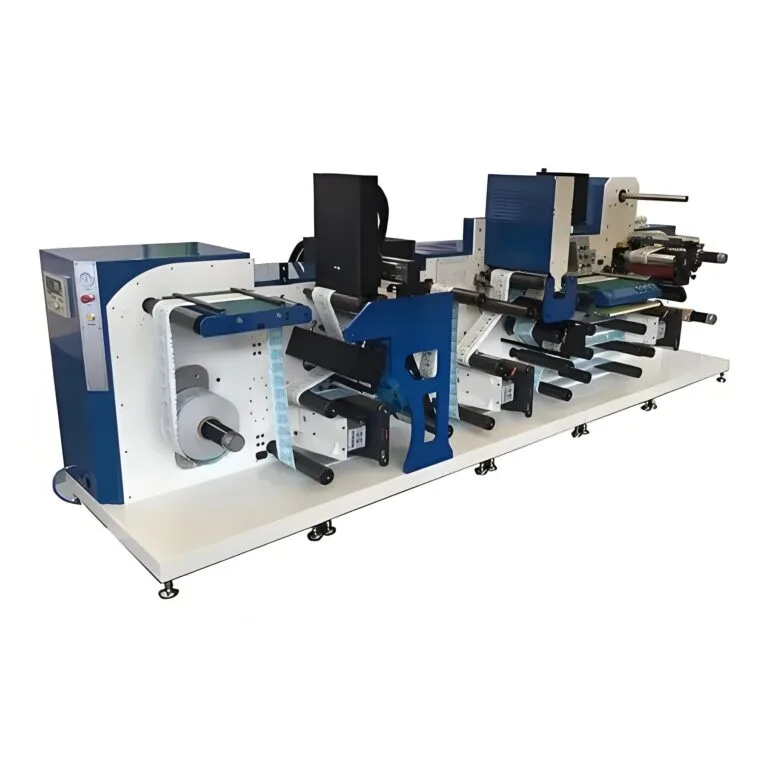
It is a reasonable question, and one that comes up frequently among people exploring direct-to-substrate printing for the first time. If a machine is called a leather printer, does that mean it only works on leather? And can it handle flat surfaces—whether leather or otherwise?
The answer is yes, and in fact, flat surfaces are where these machines perform at their best. Most leather printers are built on flatbed printing platforms, which means flat substrates are their natural territory. But the range of flat materials they can handle extends well beyond leather alone. Understanding why flat surfaces work so well—and where limitations begin—helps anyone evaluating this technology make better decisions.

Why a Leather Printer Excels on Flat Surfaces
The core design of most leather printers is flatbed UV inkjet technology. The print head moves across the surface at a precisely calibrated height, depositing tiny ink droplets and curing them almost instantly with UV light. This setup assumes a relatively flat, stable substrate positioned on the printer bed.
Flat surfaces are ideal because:
- The print head maintains a consistent distance from the material, producing even ink coverage
- There is no warping or shifting during the print cycle
- Ink lands exactly where intended, resulting in sharp detail and accurate color
- UV curing occurs uniformly across the entire printed area
When the surface is uneven, bumpy, or curved, the distance between the print head and the material changes. Even small variations—a millimeter or two—can affect droplet placement and curing consistency. So flatness really does matter for achieving the best possible output from a leather printer.
What Counts as a Flat Surface?
This sounds obvious, but it is worth clarifying. In the context of printing, a flat surface does not have to be perfectly rigid or completely smooth. It just needs to sit relatively level on the printer bed without significant height variation across the print area.
Examples of compatible flat surfaces include:
- Cut leather sheets and panels
- Wooden boards and plaques
- Acrylic and plastic sheets
- Ceramic tiles
- Metal plates
- Glass panels
- Phone cases laid flat
- Cardboard and rigid packaging
Some of these have slight texture or very minor curvature. That is usually fine. The printer can tolerate small surface irregularities without noticeable quality loss. Problems emerge when height variation exceeds the acceptable range—typically a few millimeters depending on the machine model.
Flat Surface Materials a Leather Printer Can Handle
Despite the name, a leather printer is not limited to leather. The UV inkjet technology at its core is substrate-versatile. As long as the material fits on the bed and presents a reasonably flat profile, it is likely printable.
| Material | Surface Type | Druckqualität | Special Considerations |
| Smooth leather | Flat, slightly textured | Ausgezeichnet | Light cleaning or primer may help |
| Wood | Flat, porous | Very good | Grain texture adds character |
| Acrylic | Flat, smooth | Ausgezeichnet | Adhesion is strong with UV ink |
| Ceramic tile | Flat, glazed or matte | Ausgezeichnet | Glazed tiles may need primer |
| Metal sheet | Flat, rigid | Very good | Surface treatment improves adhesion |
| Glas | Flat, smooth | Gut | Requires adhesion promoter |
| PU/faux leather | Flat, synthetic | Very good | Behaves similarly to real leather |
The versatility surprises a lot of people. A machine purchased primarily for leather work can pull double duty across all sorts of flat materials without modification. The main adjustment is usually just swapping ink profiles or adding a surface primer for tricky substrates like glass or glazed ceramic.

Limitations of a Leather Printer on Flat Surfaces
Size and Thickness Limits
Every leather printer has a maximum print bed size and a height clearance for the print head. Objects that exceed these dimensions simply will not fit. Common bed sizes range from A3 to much larger industrial formats. Height clearance varies too—some machines accommodate objects only a centimeter or two thick, while others handle substrates up to 10 centimeters or more.
Surface Chemistry
Not all flat surfaces accept UV ink equally. Some are naturally receptive—leather, wood, matte plastics. Others resist adhesion. Glass is a classic example. Without a primer or surface treatment, UV ink can bond poorly and scratch off with minimal effort. It still prints beautifully, but durability depends on preparation.
Heat Sensitivity
UV curing generates some heat. Most materials tolerate it without issue, but very thin plastics or heat-sensitive coatings might warp or discolor slightly. Testing on a small area first is always a wise approach with unfamiliar materials. If you want to know more about leather printer, please read Can a leather printer Print on leather.
FAQ
Can a leather printer print on curved or three-dimensional objects?
Some models offer limited capability for gently curved items—phone cases, slightly rounded panels, and similar objects. However, significant curvature causes print head distance issues and uneven results. Truly three-dimensional objects usually require different printing technology, like pad printing or hydrographic transfer. Flat and near-flat surfaces remain the sweet spot for a leather printer.
Does the surface need preparation before printing?
It depends on the material. Leather might need a light wipe to remove oils or dust. Wood is generally fine without treatment. Glass and certain plastics benefit from adhesion promoters or primers. The printer manufacturer typically provides guidance on which substrates need preparation and which ones print well as-is.
Can a leather printer replace a general-purpose UV flatbed printer?
In many cases, yes. Since the underlying technology is UV flatbed printing, a leather printer handles the same range of flat materials that any comparable UV printer would. The leather-specific designation usually refers to included ink profiles, software presets, or bundled accessories optimized for leather work. But the machine itself is far more versatile than its name suggests.