
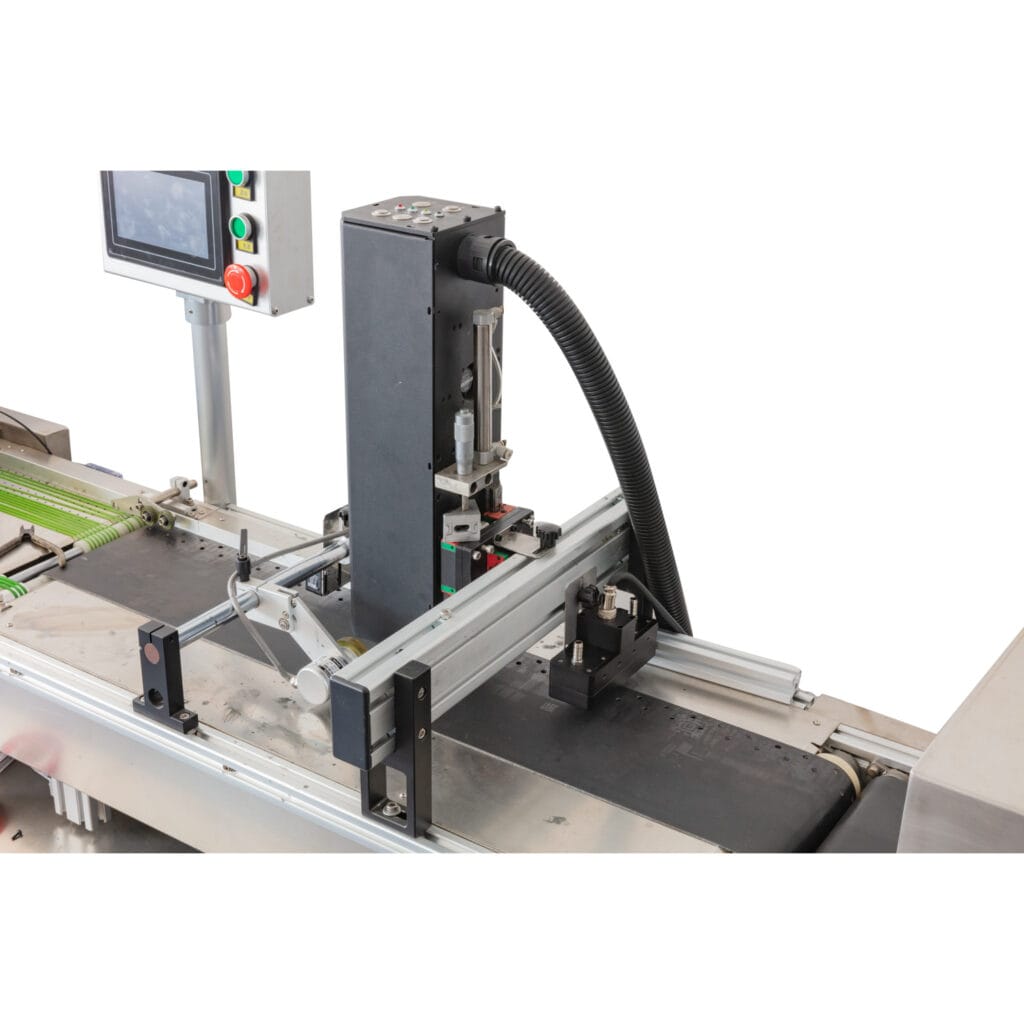
High volume printing demands are growing across industries. Signage companies, packaging firms, and industrial decorators all face pressure to produce more—faster, cheaper, and without sacrificing quality. When someone is evaluating whether a large format flatbed printer can keep up with serious production volumes, the question is less about whether the technology works and more about where the boundaries actually sit.
What Makes a Flatbed Printer Suitable for High Volume Work?
Several factors determine whether a flatbed printer can realistically handle high volume demands. It is not just about print speed—though that is obviously important. The whole ecosystem around the machine matters.
Key factors include:
- Print head technology and the number of heads installed
- Bed size and how many items fit per cycle
- Ink curing speed (UV LED vs. mercury lamp)
- Material loading and unloading efficiency
- Software workflow and RIP processing capability
- Reliability and uptime over extended production runs
A flatbed printer with a single row of print heads running in high-quality mode will not compete with a machine sporting multiple staggered heads operating in production mode. The difference in throughput between those two configurations can be dramatic—sometimes four or five times the output.

Print Head Configuration
Industrial flatbed printer models often feature banks of print heads arranged in a staggered formation. This allows wider swaths of ink to be deposited in a single pass. More heads means fewer passes, which translates directly to faster completion times per piece. Brands like EFI, Durst, swissQprint, and others offer configurations that scale from entry-level to full production capacity.
Bed Size and Ganging
Larger beds mean more items printed simultaneously. A 2.5 x 3 meter flatbed printer can fit dozens of smaller items—phone cases, plaques, signage panels—in a single print cycle. This ganging approach is one of the most effective ways to boost volume without increasing machine speed at all. Smart layout software maximizes bed utilization and minimizes wasted space between items.
Speed and Throughput Numbers for a Flatbed Printer
Manufacturers quote speed in square meters per hour, but those numbers deserve some skepticism. Advertised speeds are typically measured in draft or express mode, using the fastest possible settings. Real-world production involves higher quality modes, white ink layers, or varnish passes—all of which slow things down.
Here is a rough comparison of output expectations across different flatbed printer tiers:
| Printer Tier | Approximate Speed (Production Mode) | Typical Daily Output (8-hour shift) | Target Market |
| Entry-level flatbed | 15–30 sqm/hr | 120–240 sqm | Small sign shops, prototyping |
| Mid-range production | 40–80 sqm/hr | 320–640 sqm | Mid-size print businesses |
| Industrial high-end | 100–200+ sqm/hr | 800–1,600+ sqm | Large print factories, packaging |
Challenges a Flatbed Printer Faces in High Volume Environments
Capability on paper and real-world performance do not always match. Several challenges emerge when flatbed printers are pushed to their limits.
The most common issues include:
- Print head wear and nozzle dropout over extended hours of operation.
- Ink supply management—keeping tanks filled and avoiding air bubbles during continuous runs.
- Heat buildup in the curing system, especially with UV lamps running non-stop.
- Material handling bottlenecks when loading and unloading cannot keep pace with print speed.
- File processing delays when the RIP software struggles with complex or oversized files.
The material handling issue is one that often gets overlooked. A flatbed printer might finish a sheet in 90 seconds, but if it takes an operator two minutes to swap materials, the machine is sitting idle. Some manufacturers address this with dual-bed or conveyor-fed systems that allow loading and unloading to happen while the printer is actively printing on a different section. That kind of automation makes a real difference in sustained throughput.
Maintenance and Downtime
Any UV Piezo Inkjet Printer running at high volume will require diligent maintenance. Print heads, particularly the Piezo type, need regular cleaning cycles to prevent nozzle clogs. The UV lamps, essential for instant curing, degrade over time and must be replaced according to schedule. Ink lines, especially those carrying dense or specialty inks like white, require systematic purging.
A well-maintained UV Piezo flatbed printer can run reliably for years, but skipping maintenance to squeeze out more production hours almost always backfires. The unexpected downtime from a clogged Piezo head or a failed UV lamp is far more costly than any scheduled 30-minute cleaning routine.

When a Flatbed Printer Makes Sense for High Volume—and When It Doesn't
A flatbed printer excels at high volume work when the jobs involve rigid or semi-rigid substrates, variable data or short-run customization, or a mix of different materials throughout the day. The ability to print directly onto wood, glass, metal, foam board, acrylic, and corrugated materials without additional steps like mounting or lamination is a major advantage.
Situations where a flatbed printer is ideal for volume:
- Producing hundreds of unique signs or panels daily with different graphics
- Printing directly onto packaging flats or corrugated displays
- Decorating industrial components, tiles, or furniture panels
- Fulfilling mixed orders where each piece has a different design
However, if the job involves printing the same image on thousands of identical flexible sheets—like vinyl banners or wallpaper—a roll-to-roll printer is generally faster and more efficient. Flatbed technology has its strengths, but it is not the answer to every high volume scenario. The setup and material handling overhead of flatbed printing becomes a bottleneck when the work would be better suited to a continuous roll-fed process.
الأسئلة الشائعة
Can a flatbed printer run 24/7 for continuous production?
Some industrial models are designed for multi-shift operation and can run close to 24/7 with scheduled maintenance breaks. However, continuous operation accelerates wear on print heads, UV systems, and mechanical components. Most manufacturers recommend planned downtime for cleaning and inspection to avoid unscheduled breakdowns that disrupt production far more than routine maintenance would.
Does print quality decrease at higher speeds on a flatbed printer?
Generally, yes. Faster print modes use fewer passes and lower resolution settings to achieve higher throughput. The trade-off between speed and quality is inherent in inkjet technology. For many commercial applications—like signage viewed from a distance—the quality at production speeds is perfectly acceptable. Close-up or fine art applications may still require slower, higher-resolution modes.
How does a flatbed printer compare to screen printing for high volume?
Screen printing is faster for very large runs of identical designs, especially on flat substrates. It is hard to beat for per-unit cost at scale. But a flatbed printer wins on flexibility—no screens to prepare, no setup fees per design, and the ability to switch between jobs instantly. For variable data, short runs, or mixed-item production, flatbed printing is more efficient overall even at lower raw speed.